
Please note : This help page is not for the latest version of Enterprise Architect. The latest help can be found here.
Custom Properties Dialog
Certain elements and connectors feature the Custom Properties option in their context menu. The following example shows the Custom Properties dialog for an Activity element. Properties differ between the various types of element or connector.
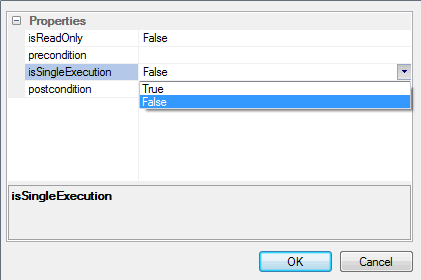
As shown above, you can change the values of properties either by selecting the value from the property's drop-down list or by typing the value in the field to the right of the property.
The material ("material" includes all pages, documents and on-line graphics) on this web site is protected by copyright law. (C) 1998-2010 Sparx Systems Pty Ltd.
