
Please note : This help page is not for the latest version of Enterprise Architect. The latest help can be found here.
Add Scripts
When creating an MDG Technology file, you can include scripts that you have created in the model.
Note: |
This facility is available in the Corporate, Business and Software Engineering, Systems Engineering and Ultimate editions of Enterprise Architect. |
To use the Script Selection section of the MDG Technology Wizard, follow the steps below:
- Follow the steps in the Create MDG Technologies topic up to and including Step 6, where you select the Scripts checkbox. The MDG Technology Wizard - Scripts dialog displays.
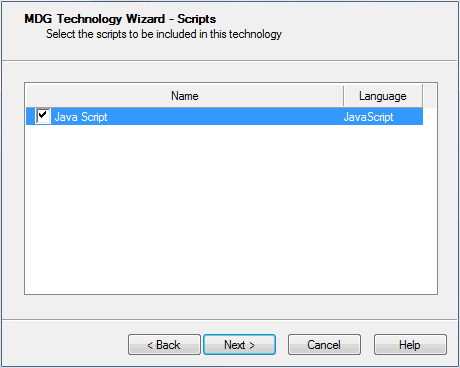
- For each required script available in the current model, select the checkbox next to the script name.
- Click on the Next button to proceed.
The material ("material" includes all pages, documents and on-line graphics) on this web site is protected by copyright law. (C) 1998-2010 Sparx Systems Pty Ltd.
