
Please note : This help page is not for the latest version of Enterprise Architect. The latest help can be found here.
View All User Permissions
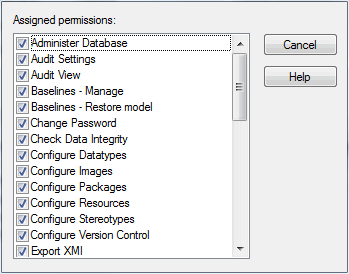
The All user permissions dialog shows a list of all permissions a user has, derived from their individual profile and from their membership of security groups.
To display the dialog, select the Project | Security | Manage Users menu option, then select the required user and click on the View All button.
The material ("material" includes all pages, documents and on-line graphics) on this web site is protected by copyright law. (C) 1998-2010 Sparx Systems Pty Ltd.
