
Please note : This help page is not for the latest version of Enterprise Architect. The latest help can be found here.
Create Document Artifact
You create a Document Artifact element In a Component or Deployment diagram.
Drag and drop the Document Artifact element from the Toolbox into your diagram.
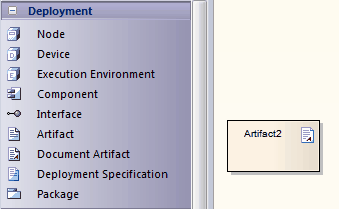
Double-click on the Document Artifact element. The Linked Document Editor opens, with the New Linked Document dialog.
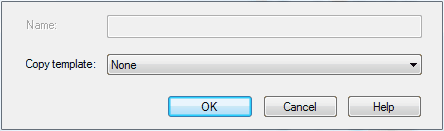
In the Copy template field, click on the drop-down arrow and select a previously-created Linked Document Template. Click on the OK button.
For more information on how to create and edit Linked Document Templates, see Create Linked Document Templates and Edit Linked Document Templates.
The material ("material" includes all pages, documents and on-line graphics) on this web site is protected by copyright law. (C) 1998-2010 Sparx Systems Pty Ltd.
